Changing Your Plan
In the app this section is called: “Choose your plan — Change at any time.”
Upgrade or downgrade
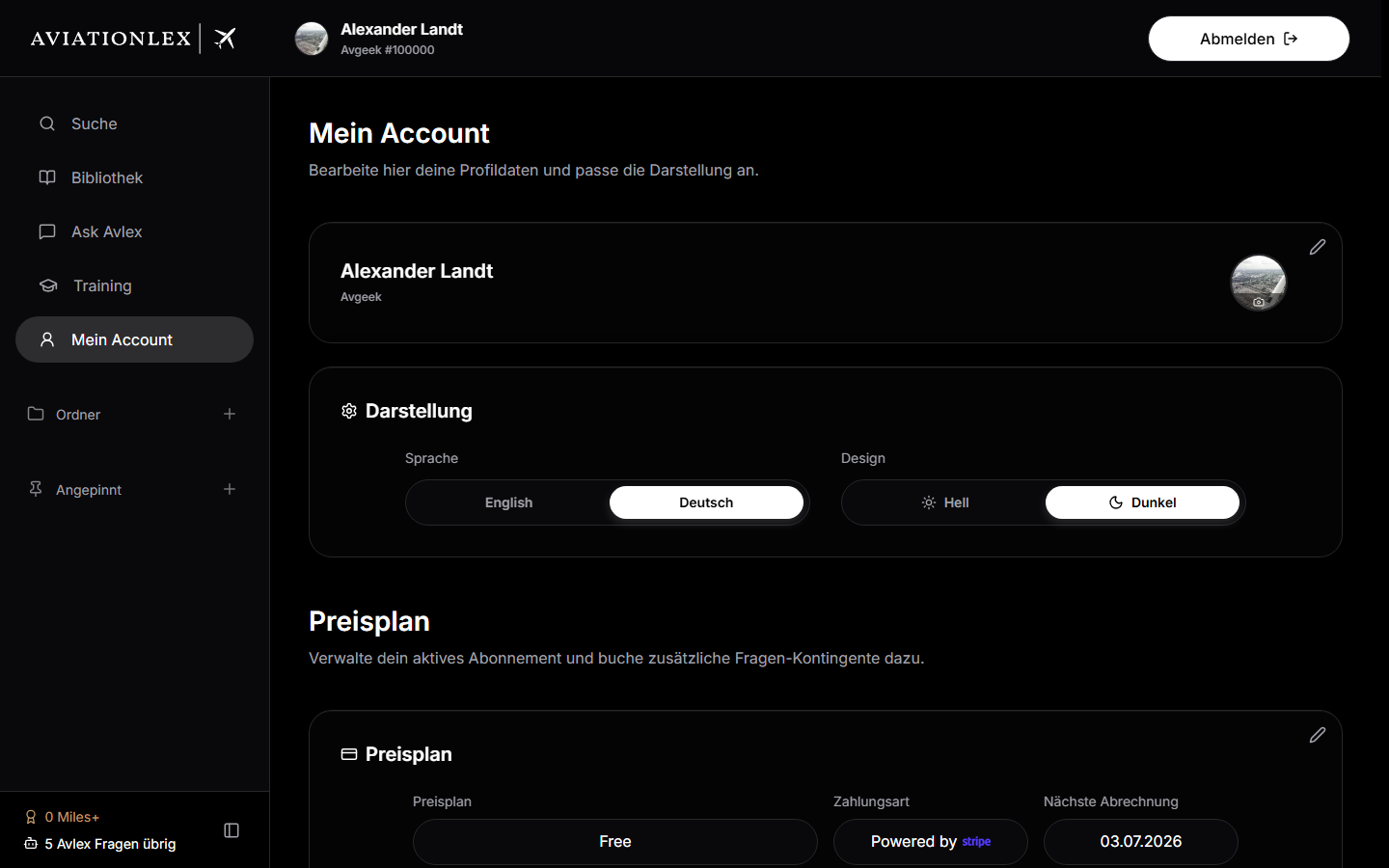
- Open My Account and switch to the Compare plans view (or tap “Choose plan” on one of the plan cards).
- Select the new plan and confirm your choice.
- The change takes effect immediately; your quota adjusts accordingly.
When switching from Free to a paid plan, a new subscription is started. When switching between paid plans, Stripe proration rules apply.
Managing or cancelling your plan
Via My Account → Change / Cancel Plan the Stripe customer portal opens. There you can:
- change your plan,
- swap your payment card,
- view your invoices,
- cancel your subscription.
Everything runs directly through Stripe — no separate account needed.
⚠️
Account deletion does not happen through the app, but through the Aviationlex homepage (footer link “Delete account”). There you sign in and confirm the deletion and the termination of your plan.